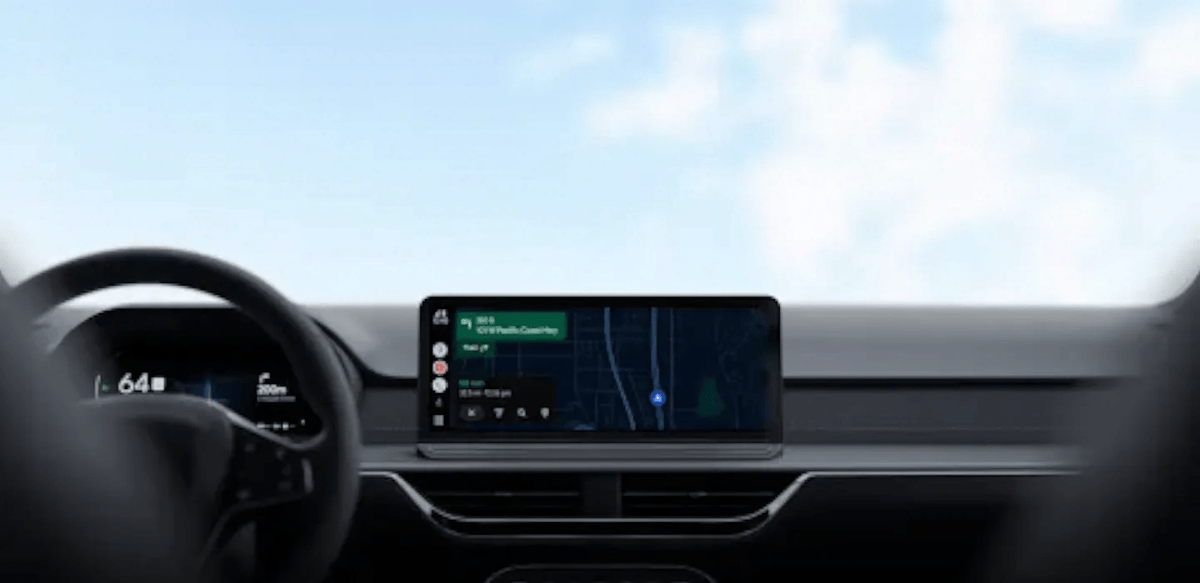
Google Maps is rolling out an always-on speedometer and speed limit display for Android Auto, and this time it works even if you haven’t typed in a destination. The floating readout previously only appeared once you started active turn-by-turn navigation.
What’s Changing on Android Auto
With the update, Google Maps shows your current speed, the posted speed limit, and nearby traffic signals or stop signs on the Android Auto screen at all times you’re driving. You no longer need to set a destination first to see any of it.
That matters more than it sounds. A lot of driving is routine: the commute you know by heart, a quick trip to the grocery store, roads you don’t need turn-by-turn directions for. Until now, choosing not to navigate also meant losing your speed readout and speed-limit warnings, which is backwards for a safety feature.
Google’s own support documentation confirms the speed indicator “will change colors if you go over the speed limit,” giving drivers a quick visual cue without needing to read the exact number.
Rollout Details
This is a gradual, server-side rollout rather than something tied to an app update. Not everyone will see it at the same time, even on identical hardware and app versions. Google has not published a completion timeline.
Speed limits have been part of Google Maps since 2019, and the live speedometer itself is a more recent addition to Android Auto specifically. Some drivers reported the speedometer disappearing entirely in recent weeks. That’s being treated as a bug under investigation, not an intentional removal, separate from this wider rollout.
How to Check If You Have It
There’s no toggle to force this on. Open Google Maps on your Android Auto display without entering a destination, and check whether the speed and speed-limit readout appears on screen. If it doesn’t yet, that’s just Google’s rollout still reaching your account. It isn’t a setting you’re missing or an update you need to install.
Sources: 9to5Google, Google Maps Help