A Gemini lock screen bug on Android 16 lets someone with nothing more than physical access to your locked phone send SMS text messages — and quietly reconnect WhatsApp — without ever entering your PIN. If a thief grabs your phone, or someone picks it up off a table for thirty seconds, they can fire off a convincing text that appears to come straight from your number while the screen is still locked. This is not an academic edge case, and there are two things worth knowing right now: how the bug works, and the setting you can change in under a minute to shut it down.
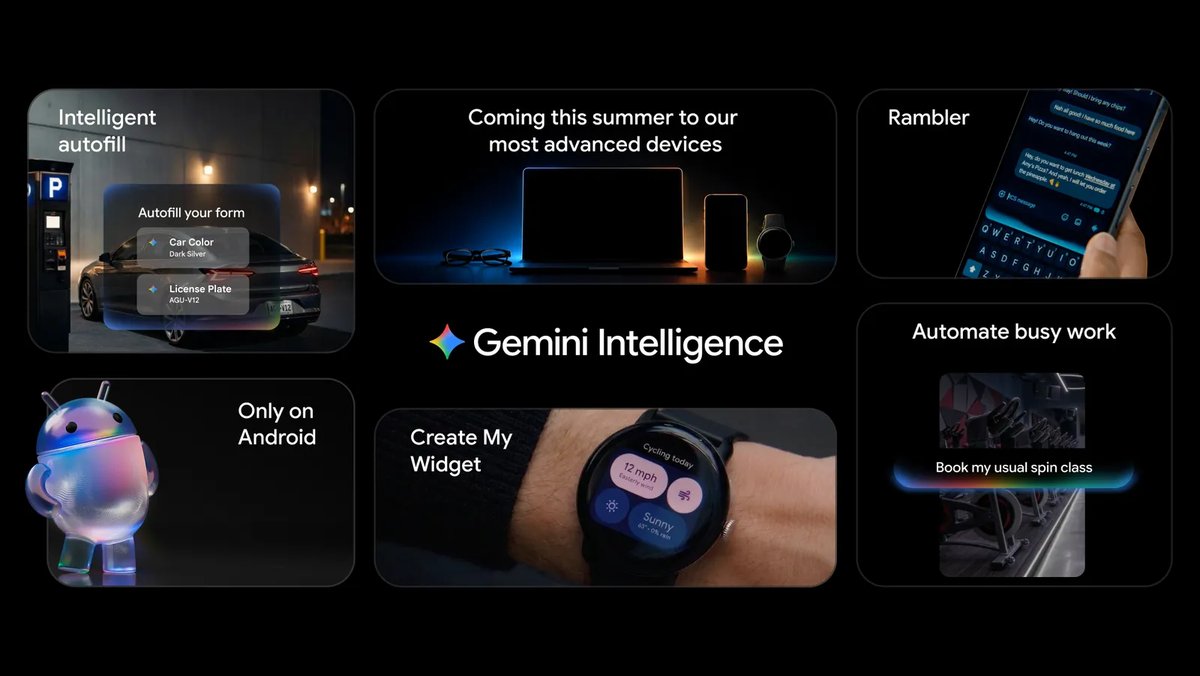
Protect yourself right now: turn off Gemini’s lock-screen messaging
Google says a fix is on the way (more on that below), but there is no independent confirmation that it has actually reached phones yet — so don’t assume you’re already covered. The reliable way to close this off today is to stop Gemini from sending messages while your phone is locked. Here’s how:
- Open the Gemini app.
- Tap your profile picture in the top-right corner.
- Go to Settings → “Gemini on lock screen.”
- Then either turn off “Use Gemini without unlocking” entirely, or — if you still want lock-screen basics like timers and weather — leave that on but disable the “Make calls and send messages without unlocking” toggle specifically. The second option cuts off the risky messaging permission while keeping the harmless stuff.
That’s the practical mitigation until Google’s server-side patch is confirmed live. It costs you a little convenience; it removes the hole entirely.
What the Gemini lock screen bug actually does
The problem affects Android 16 devices that have Gemini enabled for lock-screen access. The setup that’s supposed to protect you is the one being defeated: even if you’ve already revoked Gemini’s access to the Messages app — so that Gemini would normally have to ask you to unlock before it could touch your SMS — the phone can be tricked into skipping that check.
When someone asks Gemini to send an SMS from the lock screen, Gemini prompts to open the Messages app, which should require you to enter your PIN before tapping “Continue.” The exploit is a timing trick: if the person presses “Continue” and Gemini’s “Add attachment” button at essentially the same moment, the device bypasses the PIN prompt entirely and sends the message with no authentication at all.
It doesn’t stop at texts. Typing “@WhatsApp” into the Gemini text field on the lock screen can reconnect WhatsApp access the same way, without a PIN — even if you had previously switched that access off. And that change sticks: the next time you unlock your phone normally, you’ll find WhatsApp quietly reconnected.
The real-world stakes here are the point. Phone theft is common, and a scammer holding your locked phone could send a fake distress or emergency-style message from your own number — the kind of “I’m in trouble, send money” text that lands precisely because it comes from a number the recipient trusts. That is the scenario security-focused outlet The Register flagged, and it’s a fair one.
Which phones are affected?
Google confirmed to The Register that the bug is not Pixel-specific — it reaches beyond Pixel hardware — though the company hasn’t spelled out exactly which other manufacturers or models are vulnerable. Testing reproduced it on a Pixel 6a. On the other hand, some Samsung owners have reported being unable to reproduce it, so it may not be universal across every Android skin. Treat that as an open question rather than a guarantee either way: don’t assume your non-Pixel phone is safe, and if you have Gemini’s lock-screen messaging enabled, apply the fix above regardless.
Google’s response — and why “a fix is coming” isn’t the whole story
Google told The Register that this is a known issue and that a fix has already been built, with a full rollout expected during the week of July 17, 2026. As of this writing on July 19, there is no independent confirmation that the patch has finished deploying — so readers should not assume they’re already protected on Google’s timeline alone.
It’s also worth being honest about the sequence of events. Google has reportedly been receiving reports of this behavior since May 2026 — roughly two and a half months of a locked phone being able to send messages as its owner before a fix was scheduled, and it came alongside outside press attention. This is Google’s own convenience feature, letting Gemini handle messages from the lock screen, creating a genuine security hole in the process. It isn’t the first time a Google default has carried an unexpected consumer catch — we saw a similar pattern with Google Discover’s default-on behavior — and it’s a good reminder that “AI on your lock screen” is a permission worth reviewing, not just a feature to leave on.
The takeaway is simple: change the setting now, and don’t count yourself patched until the rollout is actually verified.
Sources: The Register