Gemini Spark can now reach into your Google Photos library and do things to it. Google’s support documentation lists six categories of action, and they go well past search: Spark can edit images, build albums, share album links out through Gmail or Messages, and run all of it on a schedule without you present. 9to5Google reports the rollout is starting in the US for Google AI Pro and Ultra subscribers over the coming weeks.
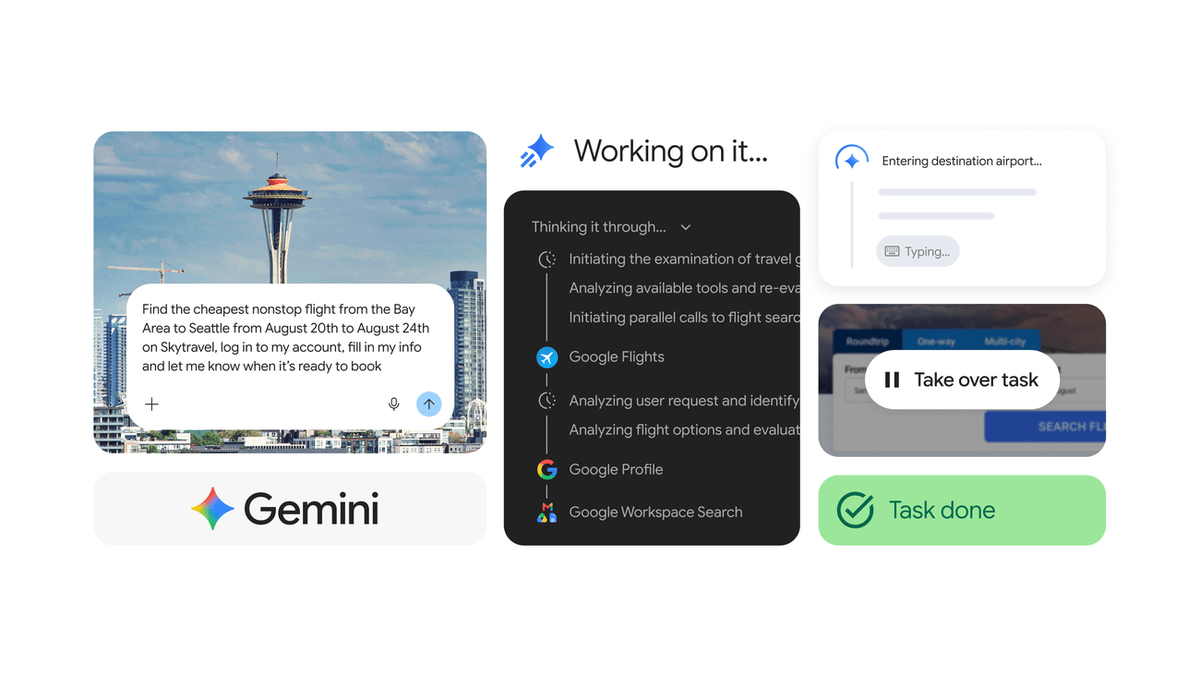
What Gemini Spark can do in Google Photos
Google’s help page breaks the capabilities into six groups:
- Search and curate: find photos and videos by subject, location, date or event, and ask for the best shots or to filter duplicates
- Edit and create: enhance quality, apply quick fixes, generate collages or stylised images
- Create albums and organise: make new shared or private albums and save curated photos into them
- Share albums: add or send shared album links through connected apps including Gmail, Google Docs and Messages
- Schedule automations: recurring tasks such as building a monthly highlights album or sorting photos of receipts
- Extract text from images: pull text out of pictures and summarise or reformat it into a Google Doc
The receipts example is the one worth pausing on. It is an unglamorous, genuinely useful job, and the sort of chore people actually put off doing.
The guardrails Google has built in
Handing an autonomous agent write access to a decade of family photos is a bigger step than handing it your inbox. Google has put three specific limits around it, and they are the right three.
Originals are never touched: Google says Spark does not edit or overwrite original photos, and that editing one creates a copy first. New albums are private by default, and Spark asks permission before sharing an album. It also asks before sending emails.
Those are meaningful protections, not marketing language, because each one addresses a specific way this could go wrong. The one that matters most is the sharing confirmation, since an agent that can generate a shared album link and put it in an email is one confirmation dialog away from publishing your photos to someone else.
Google’s own warning is the part to read
Spark is not presented as finished software. Google’s documentation calls it an experimental feature in early development and says your supervision helps prevent unintended and potentially harmful actions. It also carries a warning about prompt injection, where content Spark reads on the web tries to make it do something you did not ask for. On the subject of what to trust it with, Google is blunt:
To help keep your information safe and prevent unintended actions, avoid tasks or schedules that use information or perform actions that you find sensitive.
Read that alongside the feature list and there is a tension Google has not resolved. Photos are, for most people, precisely the sensitive category. Google is simultaneously offering to automate your photo library and advising you not to automate anything sensitive. Both statements are honest. Together they mean you should think carefully about scheduled, unattended tasks in particular, because a schedule that fires while you are asleep is one you cannot interrupt.
Who gets it
Gemini Spark requires a Google AI Pro or Ultra subscription, a personal Google Account rather than a work or school one, and an age of 18 or over. Keep Activity must be switched on. Google’s page also notes Spark is unavailable in the European Economic Area, Switzerland, the United Kingdom and Nigeria, so European readers are not getting this regardless of what they pay.
The Photos capability itself is starting in the US. 9to5Google’s report names only that market, with no timing given for India or elsewhere. Spark itself arrived behind the same subscription in August, so the paywall is not new here.
Source: 9to5Google