AndroidPure
  • Leaks
  • News
  • Reviews
  • Updates
  • How to
No Result
View All Result
  • Leaks
  • News
  • Reviews
  • Updates
  • How to
No Result
View All Result
AndroidPure
No Result
View All Result

Google Maps Now Shows Your Speed on Android Auto Without Navigation

Androidpure Staff by Androidpure Staff
September 15, 2026
in News

Google Maps is rolling out an always-on speedometer and speed limit display for Android Auto, and this time it works even if you haven’t typed in a destination. The floating readout previously only appeared once you started active turn-by-turn navigation.
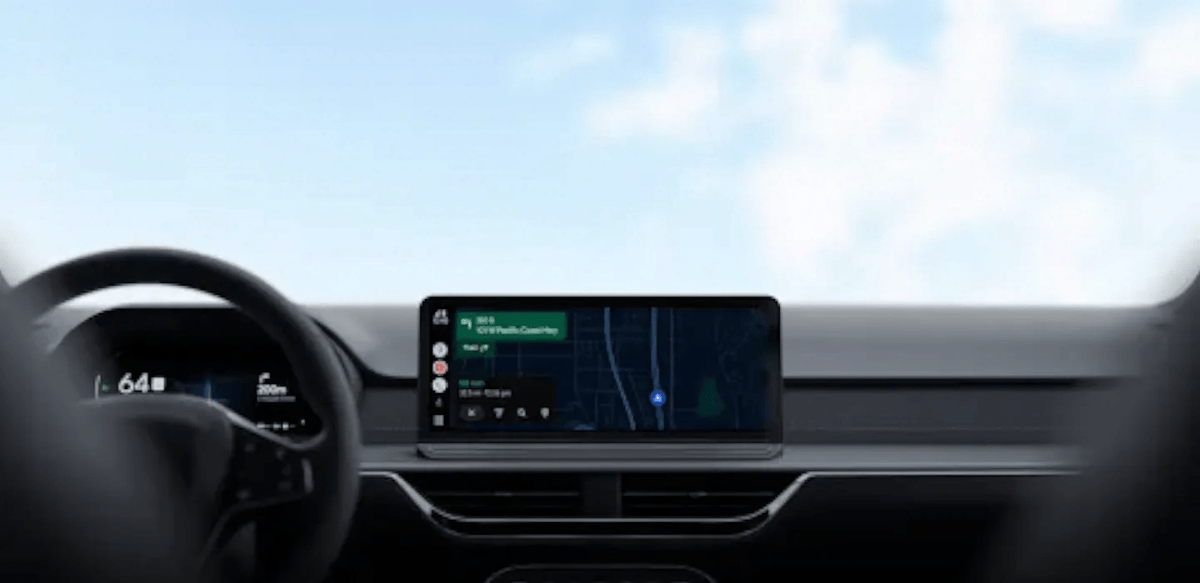
Android Auto dashboard display in a car showing Google Maps navigation and a live speedometer
Image: Google

What’s Changing on Android Auto

With the update, Google Maps shows your current speed, the posted speed limit, and nearby traffic signals or stop signs on the Android Auto screen at all times you’re driving. You no longer need to set a destination first to see any of it.

That matters more than it sounds. A lot of driving is routine: the commute you know by heart, a quick trip to the grocery store, roads you don’t need turn-by-turn directions for. Until now, choosing not to navigate also meant losing your speed readout and speed-limit warnings, which is backwards for a safety feature.

Google’s own support documentation confirms the speed indicator “will change colors if you go over the speed limit,” giving drivers a quick visual cue without needing to read the exact number.

Rollout Details

This is a gradual, server-side rollout rather than something tied to an app update. Not everyone will see it at the same time, even on identical hardware and app versions. Google has not published a completion timeline.

Speed limits have been part of Google Maps since 2019, and the live speedometer itself is a more recent addition to Android Auto specifically. Some drivers reported the speedometer disappearing entirely in recent weeks. That’s being treated as a bug under investigation, not an intentional removal, separate from this wider rollout.

How to Check If You Have It

There’s no toggle to force this on. Open Google Maps on your Android Auto display without entering a destination, and check whether the speed and speed-limit readout appears on screen. If it doesn’t yet, that’s just Google’s rollout still reaching your account. It isn’t a setting you’re missing or an update you need to install.

Sources: 9to5Google, Google Maps Help

Tags: Android AutoGoogleGoogle Maps
TweetShareSendShare
Previous Post

Where Is the September Pixel Update? Android 17 QPR1 Still Pending

Androidpure Staff

Androidpure Staff

Androidpure Staff delivers the latest from the Android world — phone launches, software updates, and practical how-to guides — without the press-release fluff. We focus on what genuinely matters to readers, in India and around the globe.

Follow Us

  • 914 Followers

Popular

  • Google G logo, the company's official brand mark

    Pixel 6 and 6 Pro: Google’s 5-Year Update Window Closes in October

    Share
    Share Tweet
  • iOS 27 Releases Monday, September 14: Apple’s Own Timing Confirmed

    Share
    Share Tweet
  • iPhone 18 Pro Max: Some Ship Dates Slip to October Hours Into Pre-Orders

    Share
    Share Tweet
  • Nothing Phone (2): Why It’s Stuck on Android 16, Straight From the CEO

    Share
    Share Tweet
  • iPhone 18 Pro Pre-Orders Open Today: Trade-In Credit, Carrier Deals, and Ship Dates

    Share
    Share Tweet
  • iPhone 18 Pro Max: US Model Missing Apple’s C2 Modem on Spec Sheet

    Share
    Share Tweet
  • iOS 27 Release Date Set: watchOS 27 Eligibility and Siri AI Beta

    Share
    Share Tweet

Latest

Android Auto dashboard display in a car showing Google Maps navigation and a live speedometer

Google Maps Now Shows Your Speed on Android Auto Without Navigation

September 15, 2026
Android logo, representing Google's still-pending September 2026 Pixel software update

Where Is the September Pixel Update? Android 17 QPR1 Still Pending

September 15, 2026
iCloud+ logo, the Apple subscription tier that gates Home app AI camera video summaries in iOS 27

iOS 27’s Home App AI Summaries Are Capped by iCloud+ Tier

September 15, 2026
Apple logo, representing the new AppleCare One Family plan announced by Apple

AppleCare One Family: $49.99/Month Covers Six People’s Devices

September 15, 2026
YouTube Premium logo, the subscription tier eligible for NFL Sunday Ticket's discounted $204 annual price

NFL Sunday Ticket Drops to $204 for YouTube Premium Members

September 15, 2026
Samsung Galaxy Watch4 and Galaxy Watch4 Classic official press image

Galaxy Watch4 and Watch4 Classic Reach the End of Updates

September 15, 2026
Samsung Galaxy S26 and Galaxy S26 Ultra rear camera modules in official press image

Galaxy S26 Hits Samsung’s Certified Re-Newed Store at $759

September 15, 2026
AndroidPure

© 2026 AndroidPure - NonStop Android.

Navigate Site

  • Privacy
  • About Us
  • Tip Us
  • Contact Us

Follow Us

No Result
View All Result
  • Leaks
  • News
  • Reviews
  • Updates
  • How to

© 2026 AndroidPure - NonStop Android.