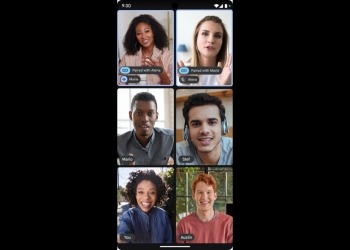
Docs Live, Google’s voice-driven drafting mode, is now rolling out in the Google Docs app on Android and iOS. The October 21 update covers Workspace business and enterprise users. Google says it’s available now on both Rapid Release and Scheduled Release domains.

When we first covered Docs Live pulling from Gmail, Drive and Chat in September, Google had promised business customers access soon, with no date. It also hadn’t detailed which platforms Docs Live would reach. This is that business-tier rollout, on mobile.
What Docs Live does in Google Docs on mobile
You talk, and Gemini builds a structured document from the conversation. Google pitches it for project updates, feature proposals, customer pitches, event plans and talk tracks. The idea is to draft right after a meeting or during a commute.
The context comes from your own work data. Google describes it like this:
Gemini automatically and securely draws from relevant content in your Gmail, Drive, Chat, and the web, meaning the output is personalized and relevant to what you need.
On by default, controlled by admins
Docs Live is switched on by default for anyone who has Gemini in Docs enabled. Admins manage it through the existing Gemini access controls. The Workspace post doesn’t describe a per-user opt-out.
That matters because the feature reads from your Gmail, Drive and Chat. The security claim is Google’s own description, not something we’ve been able to verify. If you’re uneasy about Gemini drawing on your inbox, your Workspace admin is the person who controls it.
Which Google Workspace plans get Docs Live
- Business: Standard and Plus
- Enterprise: Standard and Plus
- Consumer: Google AI Pro and Ultra
- Education: Google AI Pro for Education
- Add-on: AI Expanded Access
Business Starter isn’t on the list, so it’s a paid-tier feature. Android Authority says the consumer rollout for AI Pro and Ultra began last month. Docs Live also joins Gmail Live, which lets paid Workspace users question their inbox aloud.
How to get it
The rollout is under way now, so make sure the Google Docs app is up to date from the Play Store or App Store. Google’s help article, Generate documents with voice in Google Docs, has the details. If it doesn’t show up, check with your admin that Gemini in Docs is enabled for your account.
Sources: Google Workspace Updates, Android Authority