Google Maps on Apple CarPlay now has Gemini built in, so drivers can talk to Google’s AI assistant without leaving navigation. Tap the Gemini icon on the right side of the Maps screen to find stops, report traffic or ask multi-step questions by voice.
The feature is available now for US drivers. Google told The Verge that a global rollout is under way too. The Verge says it has asked Google for regional details. According to 9to5Google, this is the first time Google Maps has offered voice-assistant features inside CarPlay.

How Gemini works in Google Maps on CarPlay
Google’s own examples show the multi-step style. One asks for a park known for its views over the city. The follow-up asks Maps to start navigating there while avoiding toll roads.
It’s a conversational way to find stops on-the-go, report traffic disruptions, get information about places, and more
That’s how Google described the feature, as quoted by Engadget.
Why this is new for iPhone drivers
Until now, Google Assistant worked only when you used Maps navigation directly on the iPhone, per 9to5Google. It didn’t work inside CarPlay.
The CarPlay version brings iPhone drivers in line with Android Auto. It also matches Gemini navigation in Google Maps for Android and iOS, which arrived last year.
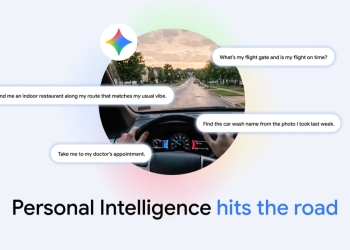
Gemini handles these requests as voice queries, so it’s worth knowing how Google treats that data. Our report on Gemini Personal Intelligence on Android Auto covers Google’s data and region caveats for Gemini in the car.
Sources: 9to5Google, The Verge, Engadget