If your car has spent the last couple of months dropping Android Auto every few minutes, there is finally a version number to check. Google says the fix for the random Android Auto disconnects and freezes is in Android Auto 17.4 and newer, and that build is already out on the Play Store.
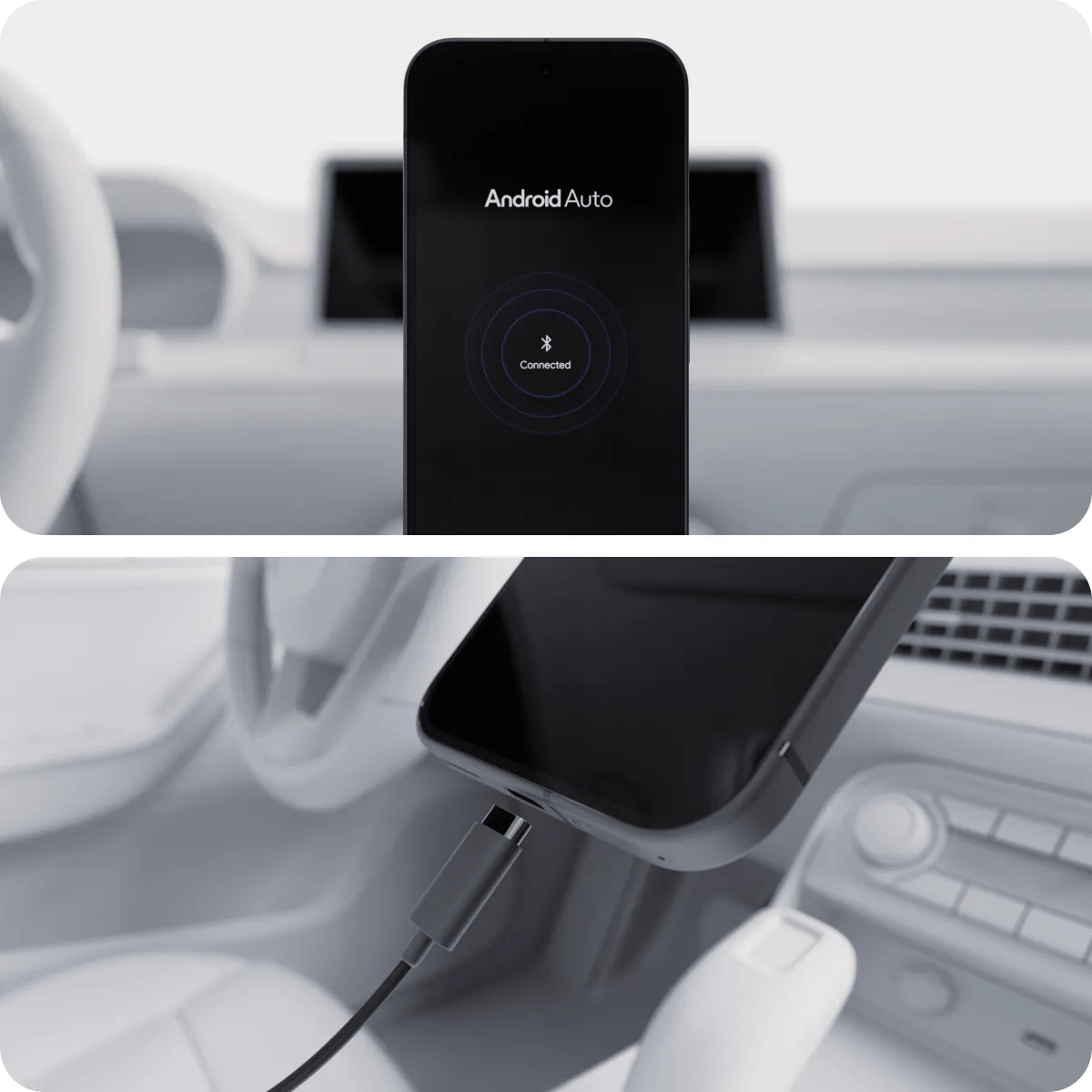
What the Android Auto disconnect bug looked like
Reports piled up over roughly the past month or two: Android Auto freezing outright, or dropping its connection and reconnecting on a loop, in some cases every few minutes. What made it hard to pin down was that it never followed a pattern. It surfaced across a wide spread of phone and vehicle combinations, and it was never universal — plenty of people driving the same car with the same phone never saw it at all. That is a nuisance on a phone and something worse on a dashboard, where the app is usually the thing showing you which exit to take.
Google’s response and the version to look for
The acknowledgement came in a comment from a Google Community Specialist, reproduced by 9to5Google:
Thank you for your feedback. We are pleased to report that the team has implemented a fix. Please update your Android Auto app to the latest version (17.4 or above), which should solve the problem.
Android Auto 17.4 is widely available through the Play Store now, so most people affected can simply update. Version 17.5 is in the beta channel and has started showing up for stable users too, so if the Play Store offers you something higher than 17.4, that is expected.
How to check which version you have
- Open the Play Store on your phone and search for Android Auto.
- If the listing shows an Update button, tap it. If it shows Open, you are already on the newest build the Play Store is serving you.
- To read the exact number, go to Settings > Apps > Android Auto and scroll to the version at the bottom of the app info page. Anything at 17.4 or higher carries the fix.
Worth being realistic about what this changes. Google has said a fix shipped; it has not published a technical explanation of what broke, which combinations were affected, or why. If you update to 17.4 or later and the disconnects continue, that is a signal your problem was never the same bug — a failing USB cable, a head unit firmware issue, or aggressive battery optimisation killing the app in the background are all more mundane and more common causes, and none of them are fixed by a Play Store update.
Source: 9to5Google