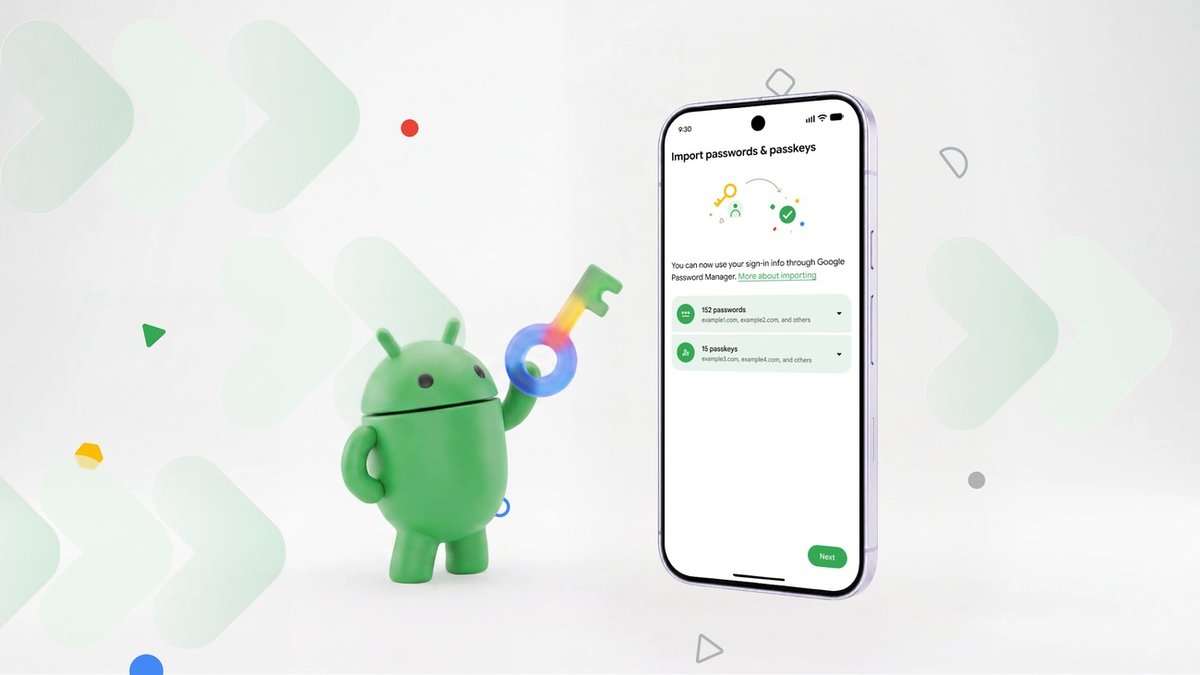
Android can now move your passwords and passkeys directly between password managers, without the export file. Google published the new transfer experience on 10 September, and it is live for four managers at launch: Google Password Manager, 1Password, Bitwarden and Dashlane.
That list is the whole point. Until now, moving your vault meant exporting it, which is where the risk lived. Google’s own description of the old path is blunt.
Historically, moving your passwords meant downloading them into an unencrypted text file, which left them unprotected on your device. And passkeys couldn’t be transferred at all, so you’d have to recreate them across multiple sites and apps.
That wording is from Google’s Android blog post announcing the change.
How the transfer works
Google’s flow is three steps, and none of them involve you handling a file:
- Start the move — open your new password manager and pick the option to import or copy your passwords and passkeys from another provider. The app hands the job to Android.
- Let Android coordinate — Android detects the password managers already installed on your device and shows you which ones it can pull from.
- Review and authorize — you are sent back to your existing manager to select, review and approve the transfer. The credentials then move between the apps.
Google says the transfer itself takes a few seconds once you approve it.
Which apps and which Android versions
Beyond the four launch providers, Google says more partners are on the way. The provider requirements are not identical, and this part comes from the password managers rather than Google: Android Central reports the system is built on the Credential Exchange Protocol (CXP), with Dashlane needing Android 10 or newer plus a current Play Services update, and Bitwarden needing Android 14 or newer and Play Services 26.21 or higher.
Passkeys are the real gain here. They are phishing-resistant by design, but adoption has been held back by exactly the concern this removes — that your passkeys were stuck with one vendor, and Google’s own post leads on moving them between managers rather than on the passwords.
Why this matters for you
Vendor lock-in has been the quiet reason to stay with a password manager you have stopped liking. If your passkeys could not leave, neither could you. A system-level transfer path turns that into a routine decision: pick the manager whose app you actually want, and switch.
The caution is that “supported” is not the same as “instant”. Both providers above impose their own Android and Play Services floors, so on an older phone the new flow may not appear at all. Check your provider’s requirements before you plan a move, and know that the unencrypted-file export route still exists as the fallback for now.
Sources: Google, Android Central