YouTube is moving Subscriptions out of its mobile app’s bottom bar. The tab, renamed “Subs,” now sits in a new top bar on the Home tab. It shares that bar with new Live, Music and Movies & TV feeds.
YouTube announced the redesign in a TeamYouTube post on its Help Community on October 22. The post doesn’t say where or when the new layout is rolling out.

What’s changing in the YouTube app
Subscriptions had been the fourth tab in the bottom bar, according to 9to5Google. The outlet notes it had sat there since 2017, nearly a decade. In the new layout, Subs appears second in the Home top bar, right after Home.
YouTube’s own before-and-after graphic shows a trimmed bottom bar with four icons: Home, Shorts, the create button and You. 9to5Google also reports that the redesign removes YouTube’s navigation drawer. It adds that YouTube began testing this layout earlier this year.
TeamYouTube framed the change as the first in a run of Home updates:
“We’re kicking off a series of updates to shape a more seamless Home experience, starting with a redesigned top bar featuring dedicated feeds and personalized features to give you more direct access to what you love.”
The new feeds on YouTube Home
Live, Music and Movies & TV join Subs as standard feeds across the top of Home. The Movies & TV feed only appears for viewers with active paid content, such as Primetime Channel subscriptions.
Custom feeds, US only for now
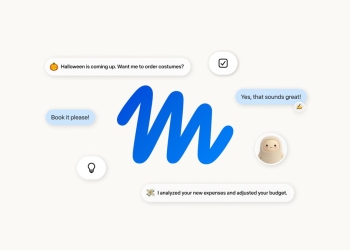
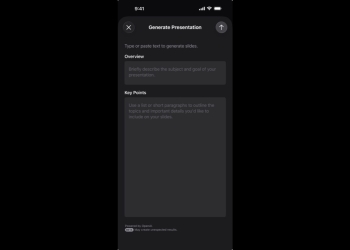
The bigger addition is custom feeds. Tap the “+” at the top of Home and describe what you want in your own words. YouTube then builds a tailored feed for it.

Free users can keep up to three active custom feeds, while YouTube Premium members get up to eight. Feeds you create on mobile sync to desktop on the same Google account.
Eligibility is narrow for now. YouTube says custom feeds are rolling out on mobile and desktop, in English, to signed-in US viewers aged 13 or older. Those viewers also need search history turned on. YouTube says it’s working on bringing the feature to more users and regions, without giving dates.
What it means for you
Moving Subs is a design tradeoff worth noticing. The channels you chose to follow now sit inside Home, one tap deeper than before. Algorithm-driven feeds share the same top bar with them.
Custom feeds carry a privacy cost as well. They only work with search history switched on. If you keep it off for privacy, you can’t use the feature.
YouTube’s custom feeds help page has more on setting them up. For another recent YouTube change, see how the platform will now freeze uploads on channels it suspects are hacked.
Source: YouTube Help Community, 9to5Google