AndroidPure
  • Leaks
  • News
  • Reviews
  • Updates
  • How to
No Result
View All Result
  • Leaks
  • News
  • Reviews
  • Updates
  • How to
No Result
View All Result
AndroidPure
No Result
View All Result

Install the original CyanogenMod cLock on any Android 4.2+ device

Ashwin Karthik by Ashwin Karthik
August 21, 2013
in Apps

cLock, the lockscreen widget from CyanogenMod, is now available for all Android 4.2+ devices.

CyanogenMod cLock Lockscreen Widget

One of the CyanogenMod UI developers team member, DvTonder has released the application on XDA.

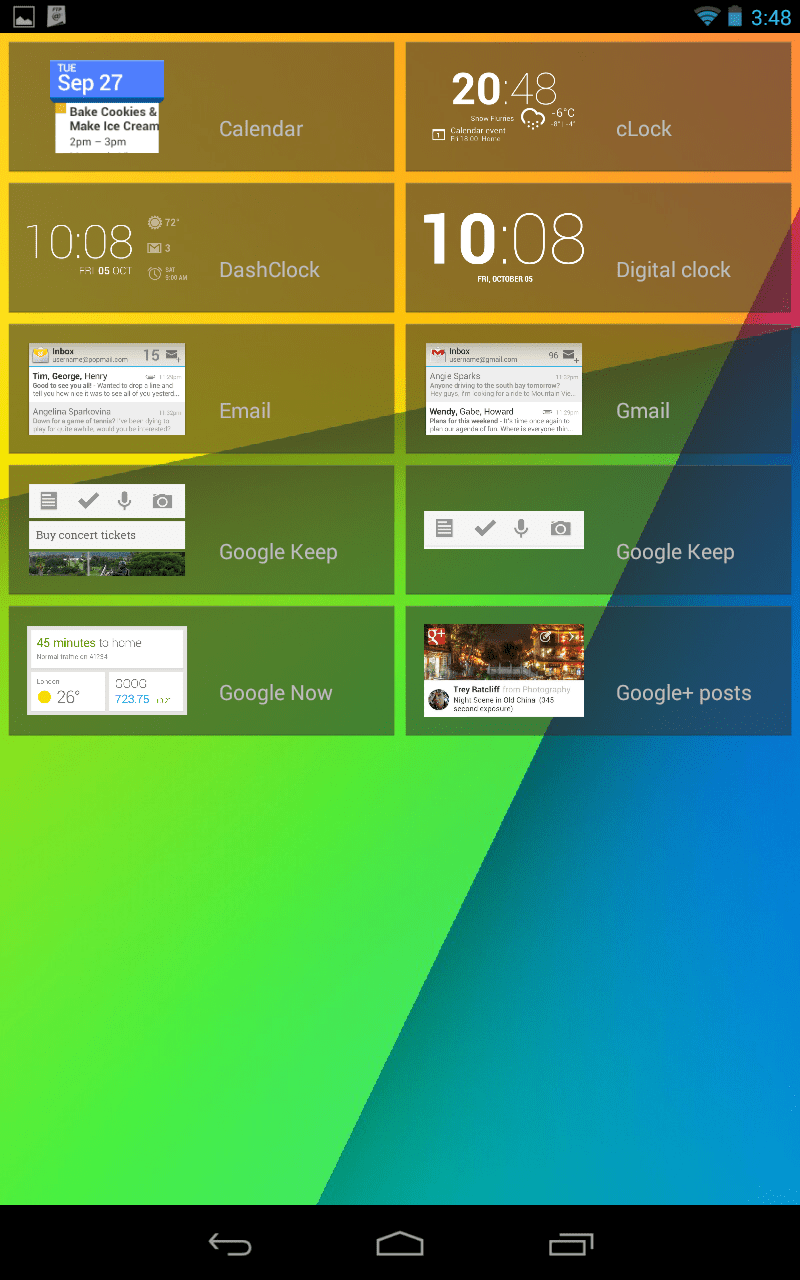
cLock has a lot of customization options and can be used as a homescreen widget or a lockscreen widget.

Features:

  • Supports adding as a widget to either the Home or Lock screen or both
  • Select between Analog or Digital clock Panel
  • Choose whether to show Alarms
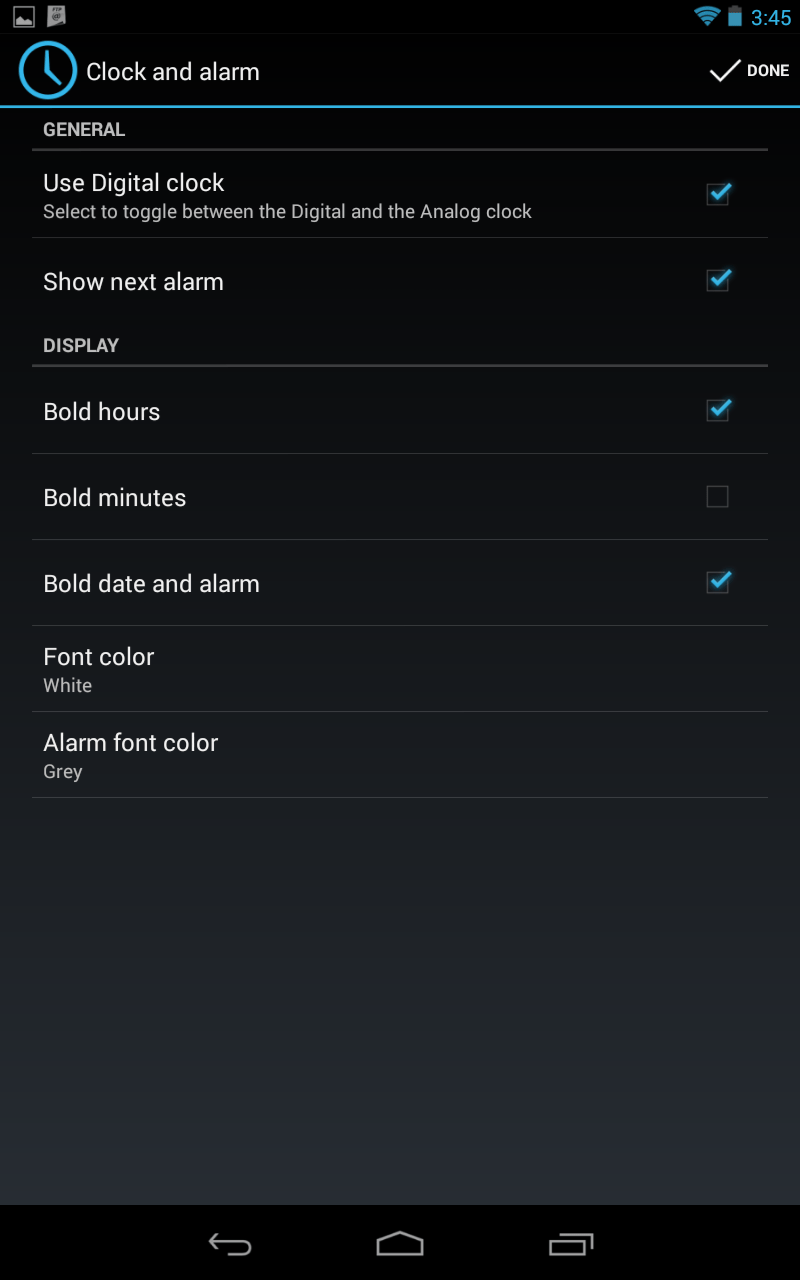
  • Change font bold/normal in Digital Clock, Date and Alarm
  • Weather panel with Yahoo! weather
  • Color or Monochrome weather icons
  • Minimized weather widget support (especially handy on lock screen)
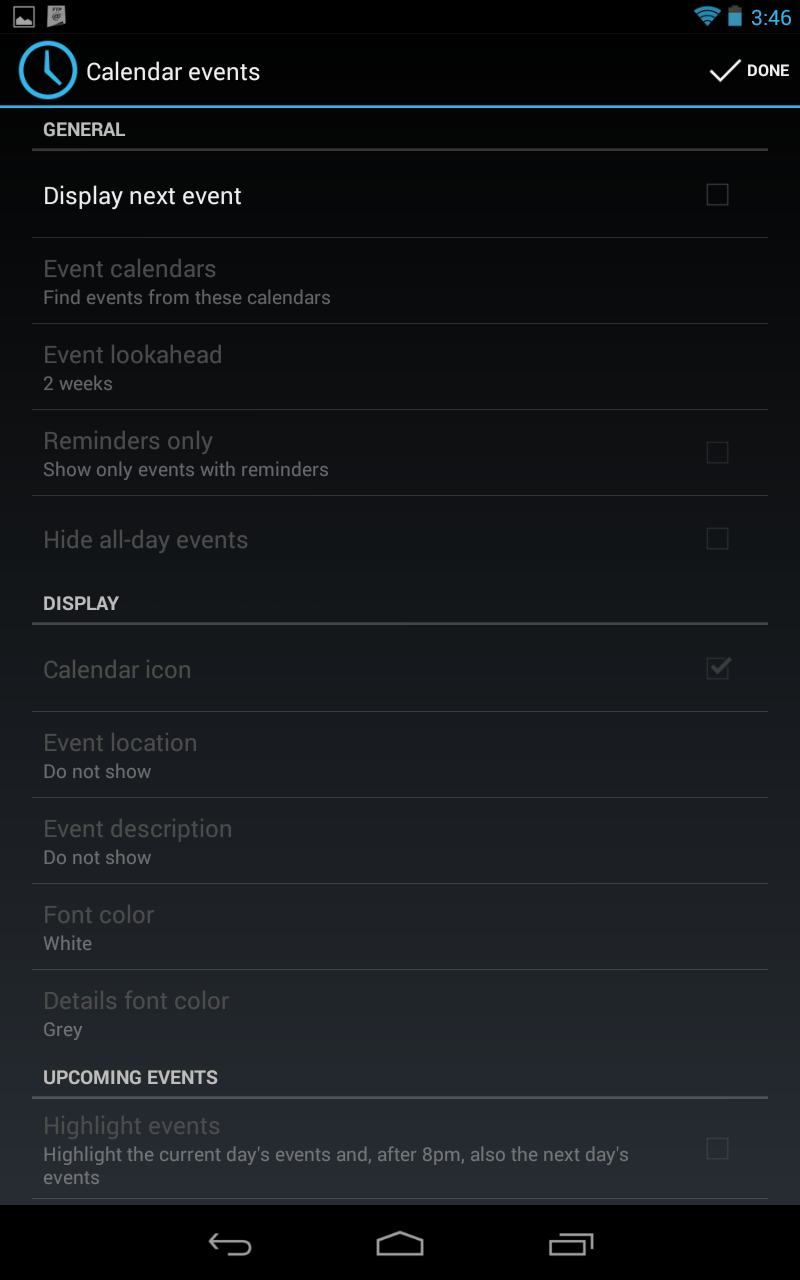
  • Calendar panel showing a scrollable list of upcoming events
  • Tapping event opens calendar at selected event
  • Taping calendar icon opens Calendar at today’s date
  • Change the font color of all text in all panels
  • Configure widget when adding or from the cLock app in the app drawer
  • Highlight upcoming calendar events

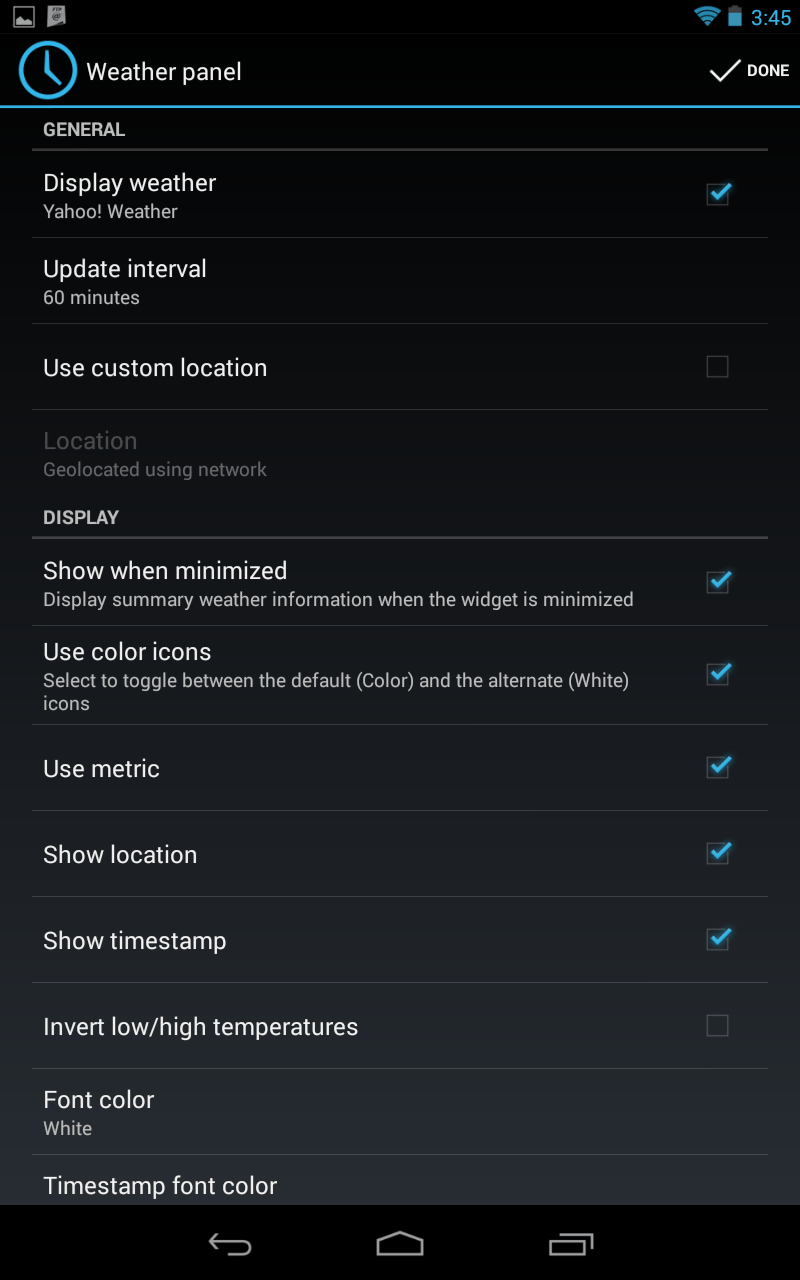
I tested the app on my Nexus 7 running Android 4.3 and it works fine.

Here are a few screenshots from my tablet.
 

1 of 4
- +
CyanogenMod cLock Weather
CyanogenMod cLock Clock Options
CyanogenMod cLock Calendar
CyanogenMod cLock Lockscreen options

NOTE: DO NOT Install this app on CYANOGENMOD 10.1 or 10.2, since it is already included by default.

If you have a device running Android 4.2 or above, download the cLock apk from this post and install it using any file manager.

Then just add the widget to your device’s Homescreen or Lockscreen.
Tags: AppscLockCyanogenmodLockscreenWidgets
TweetShareSendShare
Previous Post

Simple Explorer is an Open Source file manager with a Holo UI

Next Post

SwiftKey 4.2 brings Cloud Backup & Sync, now on sale at Google Play for 50% off

Ashwin Karthik

Ashwin Karthik

Originally a Business Grad, Ashwin is a natural at testing and reviewing apps & games for Windows and Android Apps, as well as flashing ROMs. A proud owner of a Redmi K20, he is also an avid gamer and loves playing on his Computer, PS4 & Nintendo consoles.

Follow Us

  • 914 Followers

Popular

  • Google Play logo, representing the Google Play services v26.34 and Play Store v53.0 update

    Google Play Services v26.34 Mentions an Unannounced Googlebook Again

    Share
    Share Tweet
  • Google Will Pay £260m to Settle UK App Developers’ Play Store Claim

    Share
    Share Tweet
  • Mivi Enters the Smartphone Market With a Snapdragon 5G Phone Coming in September

    Share
    Share Tweet
  • ColorOS 17 Arrives September 17, With the OPPO Find X10 First in Line

    Share
    Share Tweet
  • WhatsApp’s Scam Alert Toggle Starts Appearing for Android Beta Testers

    Share
    Share Tweet
  • Poco X8 Power Launches in India at Rs 35,999 With a 10,000mAh Battery

    Share
    Share Tweet
  • vivo T5 5G Launches in India at Rs 34,999 With a 7,050mAh Battery

    Share
    Share Tweet

Latest

Samsung Galaxy Z Fold8 Ultra held folded in one hand, showing its triple rear camera module

Galaxy Z Fold8 Ultra Falls to $1,799, Below the Regular Fold8

September 6, 2026
Android developer verification illustration with a security shield and verified account badge

Android Developer Verification Starts September 30 in Four Countries

September 6, 2026
Apple September 9 2026 event key art with a glowing Apple logo on a blue background

Apple’s September 9 Event: What It Means from the Android Side

September 5, 2026
Google logo, representing Google Cast support removed from Disney+ in Germany and the Netherlands

Disney+ Loses Google Cast in Germany and the Netherlands

September 5, 2026
Official Samsung press render of the Galaxy S26 and S26 Plus rear panels in purple

Galaxy S27 Pro and Ultra 3C Listing Points to 60W Charging

September 5, 2026
Mount Shasta seen from the Clear Creek side, where three hikers became stranded

Hikers Stranded on Mount Shasta After Planning the Climb With Gemini

September 5, 2026
Nothing Phone (3) in white and black, official Nothing press render

Nothing OS 5.1 Will Let You Remap the Essential Key, Nothing Says

September 5, 2026
AndroidPure

© 2026 AndroidPure - NonStop Android.

Navigate Site

  • Privacy
  • About Us
  • Tip Us
  • Contact Us

Follow Us

No Result
View All Result
  • Leaks
  • News
  • Reviews
  • Updates
  • How to

© 2026 AndroidPure - NonStop Android.