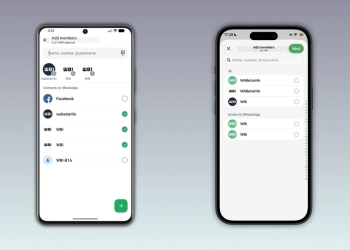


WhatsApp’s Android beta now lets you set a chat theme for everyone in a conversation, not just for yourself. Pick a wallpaper or theme and choose Everyone, and the other person sees the same background and bubble colour. In a group, every member gets it.
WABetaInfo reports the feature is reaching some testers on WhatsApp beta for Android 2.26.46.8 from the Google Play beta program. It says more users will get it over the coming weeks.
What changes in shared WhatsApp chats
Until now, a chat theme was a personal choice that only changed your own screen. With this beta, one person’s pick can change how a chat looks for everyone in it. That works in one-to-one chats and in groups, where any member can update the theme at any time.
WhatsApp doesn’t make the change silently. A system message appears in the chat saying the theme was changed for everyone. That way, people can see who made the change.
You can still change it back
If someone picks a wallpaper you dislike, you aren’t stuck with it. You can open the theme page and set your own theme again. In a busy group, that may be worth knowing before the first person experiments with a bright background.
How to set a theme for everyone
- Open the chat and tap the three-dot overflow menu.
- Choose Chat theme, then pick a theme or wallpaper.
- In the Set theme for sheet, choose Everyone to apply it to the whole chat, or You to keep it personal.
The option is not limited to WhatsApp’s preset theme categories. According to WABetaInfo, custom wallpapers from your photo library can be shared this way too.

Rollout and iPhone
This is a beta-only feature for now, and not every tester on 2.26.46.8 has it yet. WABetaInfo gives no date for the stable release. WhatsApp also reportedly has a similar option in testing on iPhone. WABetaInfo spotted chat theme sync in WhatsApp beta for iOS 26.37.10.16, with the same choice between only you and everyone.
Shared themes are a small cosmetic change, but WhatsApp’s beta has been busy lately. Testers are also seeing view-once text messages and a new Contacts tab.
Source: WABetaInfo